BUILT FOR ADHD BRAINS

Chunk it down.

A focus app for people with ADD: one task on screen, tiny steps you can actually start, and a timer you can see.

Invite only for now · No credit card
getflowfocus.com/dashboard
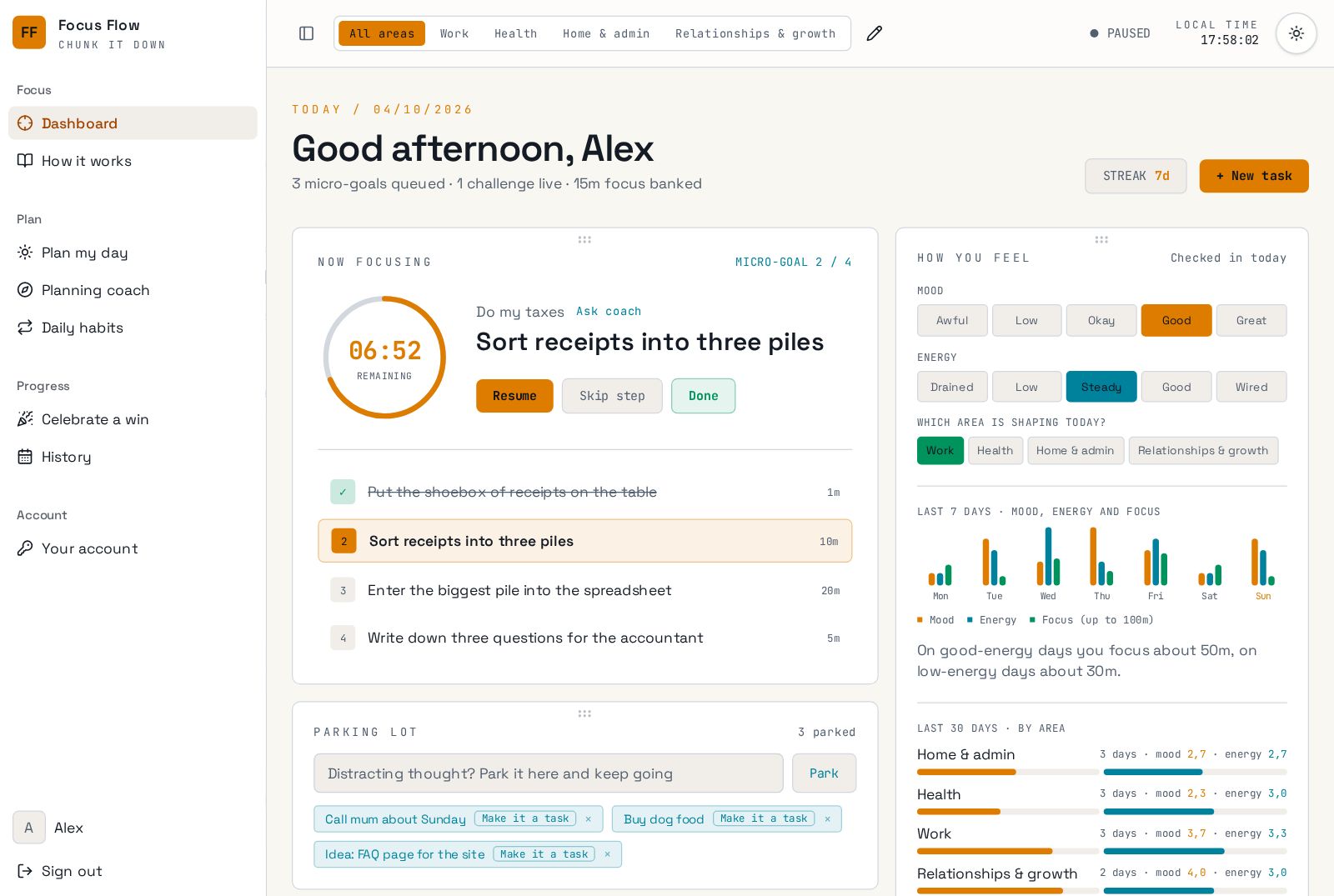
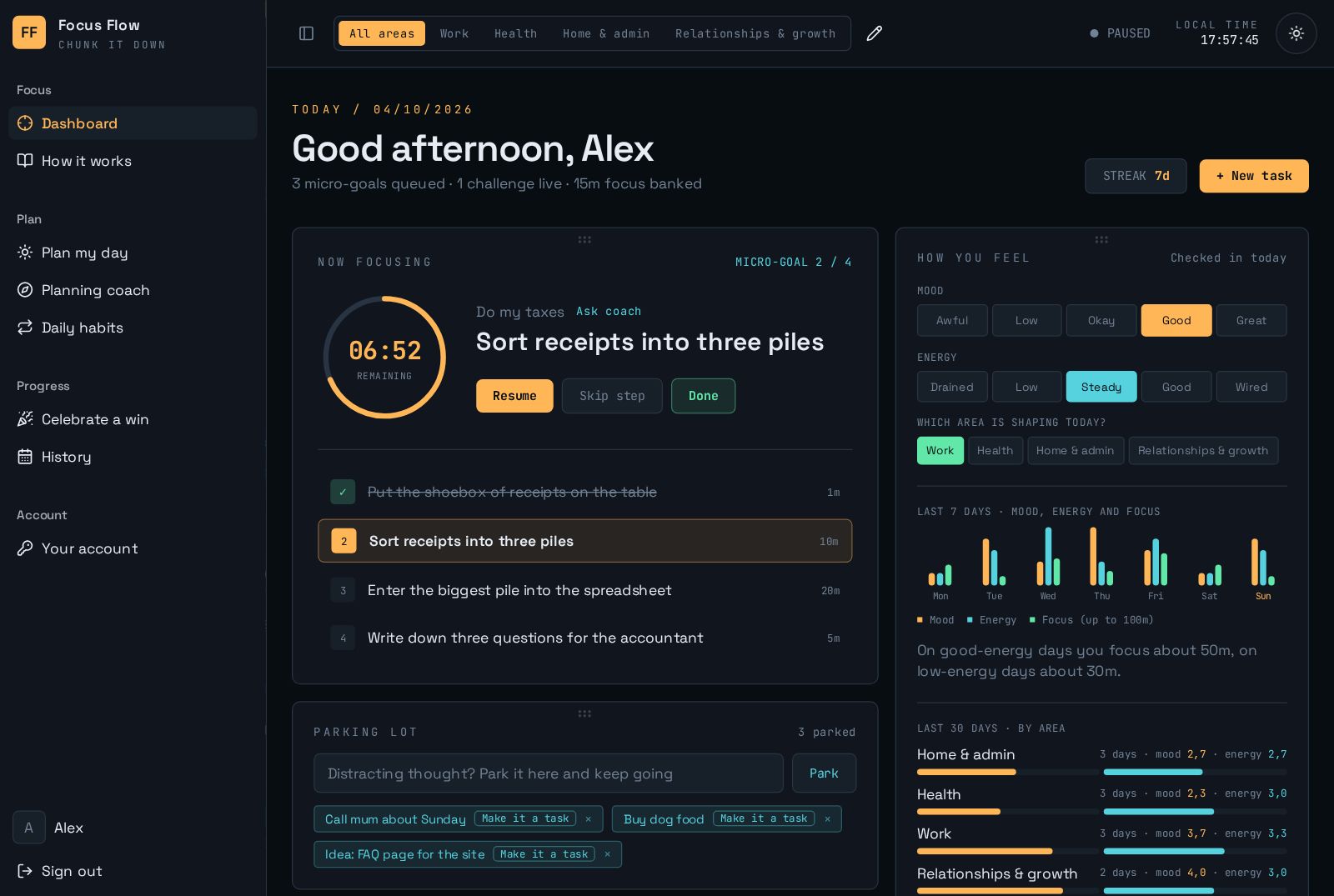
Mad Flow dashboard with one task, a ring timer and the parking lot
THE PROBLEM, SAID PLAINLY

Most to-do apps are built for brains that already focus.

The wall of awful

A big task feels like a cliff, so you avoid it and feel worse.

FOCUS FLOW · Every task starts with a physical step under 2 minutes, like “put the shoebox of receipts on the table”.

Time blindness

Twenty minutes and three hours feel the same until it's too late.

FOCUS FLOW · A ring timer shows time draining away, and every step has a realistic number of minutes.

Thought pinball

One stray thought and the tab you meant to open becomes a rabbit hole.

FOCUS FLOW · The parking lot catches the thought in one tap, and the timer keeps running.
BUILT FOR ADD

Every feature answers a real ADD struggle.

One thing on screen

The Now focusing panel shows a single task and its current step. Everything else waits in Up next.

Start with your body

The coach breaks any task into 3–6 steps, and the first is always physical and under 2 minutes.

Time you can see

A ring timer counts down each step, so time stops sneaking past you.

Park it, don't chase it

Drop a stray thought into the parking lot and turn it into a task later.

A reward for finishing

Confetti, a day recap and a celebrations wall give your brain the reward it's looking for.

Streaks without shame

A 7-day challenge per life area. Miss a day and you start fresh, no red marks.

Plans that fit your energy

Daily mood and energy check-ins show what helps you focus, and the coach plans around it.

Switch between life areas

Work, Health, Home & admin or your own areas. Switch whenever you like, without losing your place.

See it all on the dashboard →
HOW IT WORKS

Three moves. That's the whole system.

01

Dump it

Type the task the way it's in your head, mess and all. “Do my taxes” is fine.

02

Chunk it

Tap “Break it down for me”. The coach turns it into small steps with real minutes.

03

Do one

Press start. One step, one timer. Done is a button, and it feels good to press.

Read the full guide in How it works →
WORKED EXAMPLES

From “ugh” to a first step you can start right now.

BEFORE

Do my taxes

AFTER
  1. 1. Put the shoebox of receipts on the table · 1 min
  2. 2. Sort receipts into three piles · 10 min
  3. 3. Enter the biggest pile · 20 min
  4. 4. Write three questions for the accountant · 5 min
BEFORE

Clean the kitchen

AFTER
  1. 1. Stand at the sink and turn on the tap · 1 min
  2. 2. Load everything into the dishwasher · 8 min
  3. 3. Wipe the counters · 5 min
  4. 4. Take the bin out · 3 min
BEFORE

Write the project report

AFTER
  1. 1. Open a blank doc and type the title · 1 min
  2. 2. List five headings, messy is fine · 5 min
  3. 3. Write one rough paragraph per heading · 25 min
  4. 4. Read it aloud once · 5 min
FEATURE TOUR

Everything you need, nothing you have to manage.

Plan my day, gently

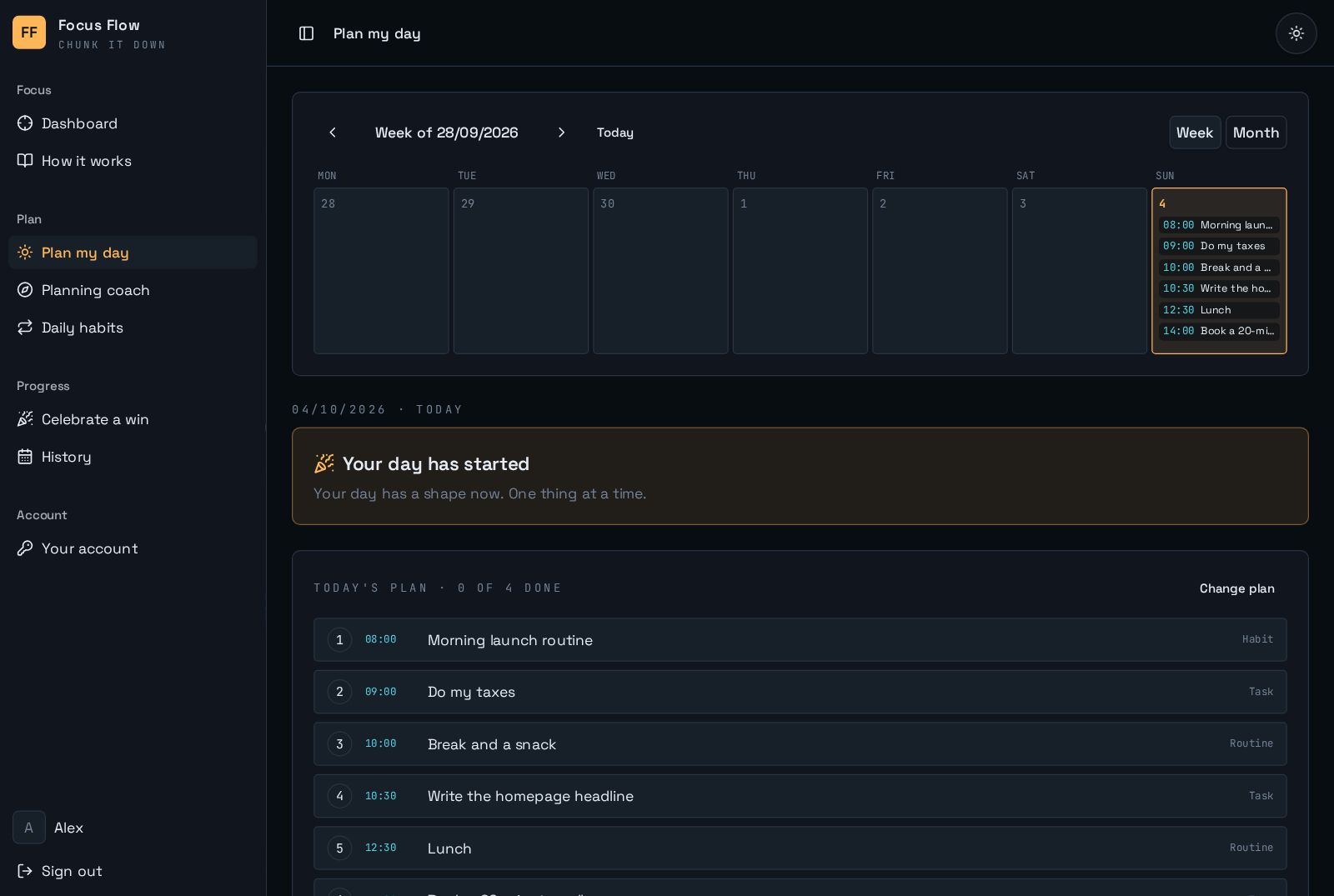
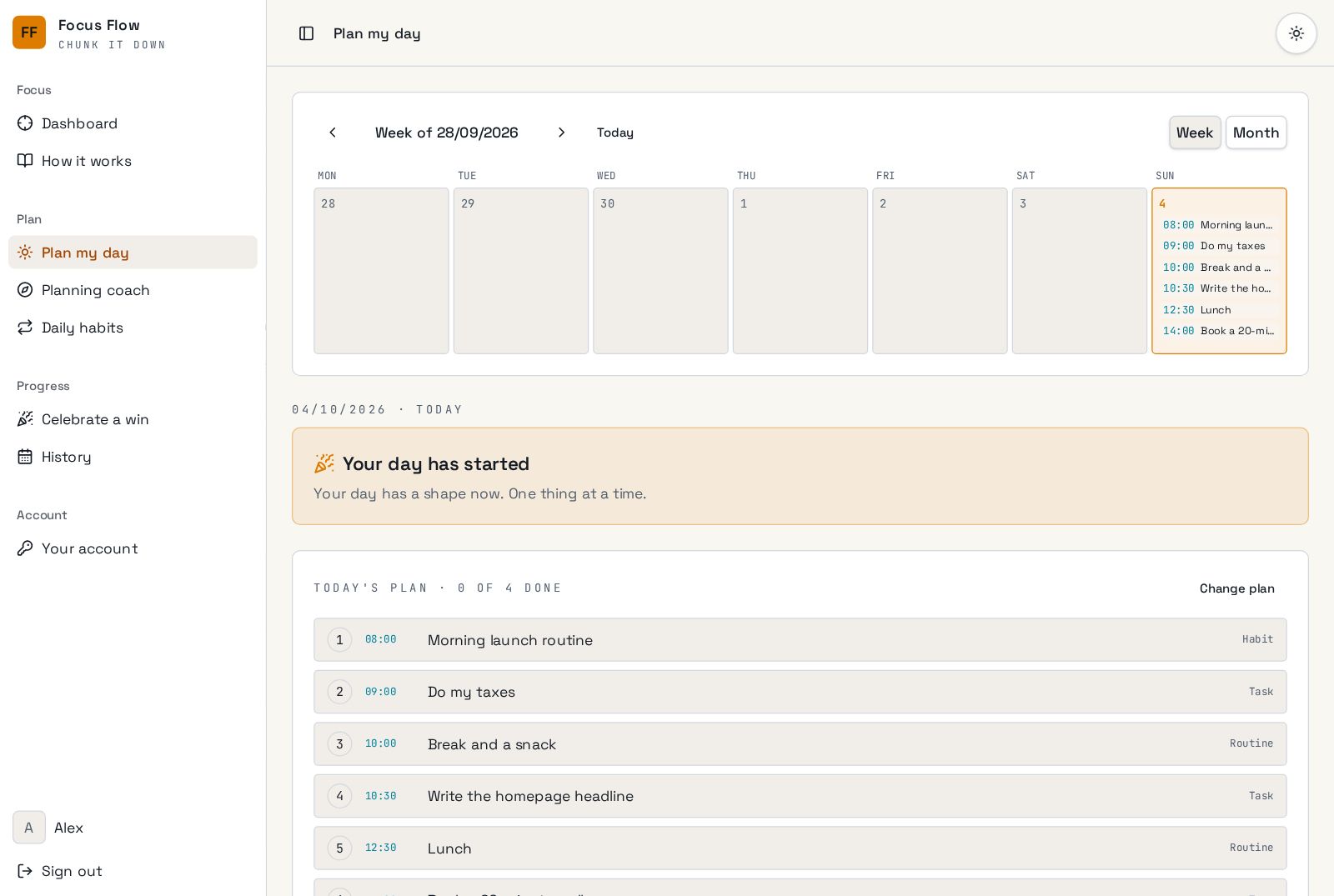
Pick up to five things, give them a time, or let the coach build a whole day around one goal, with breaks and meals included. Start the day with confetti and end it with a recap.

Open Plan my day →
getflowfocus.com/today
Plan my day with a weekly calendar and timed slots

Routines with a timer

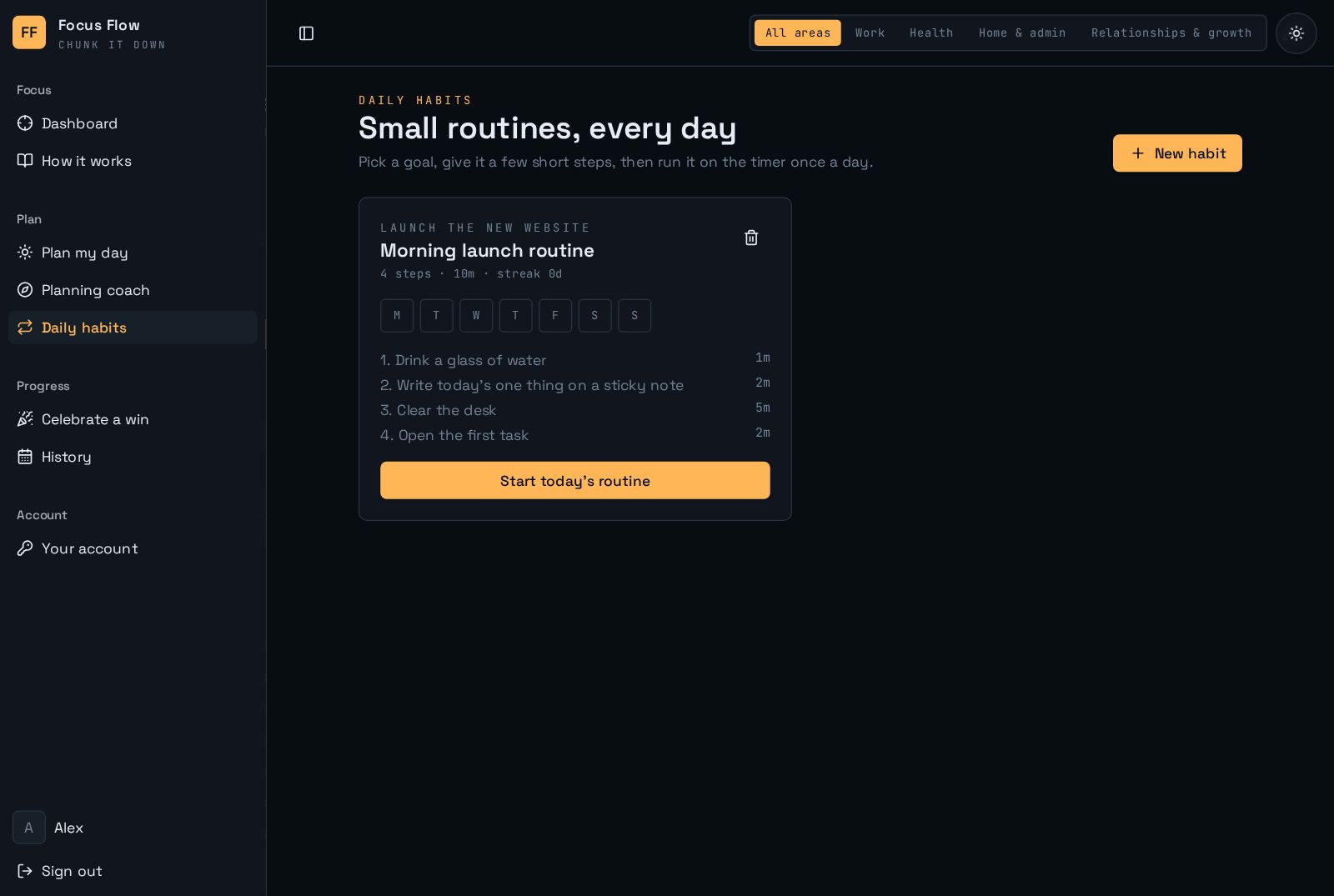
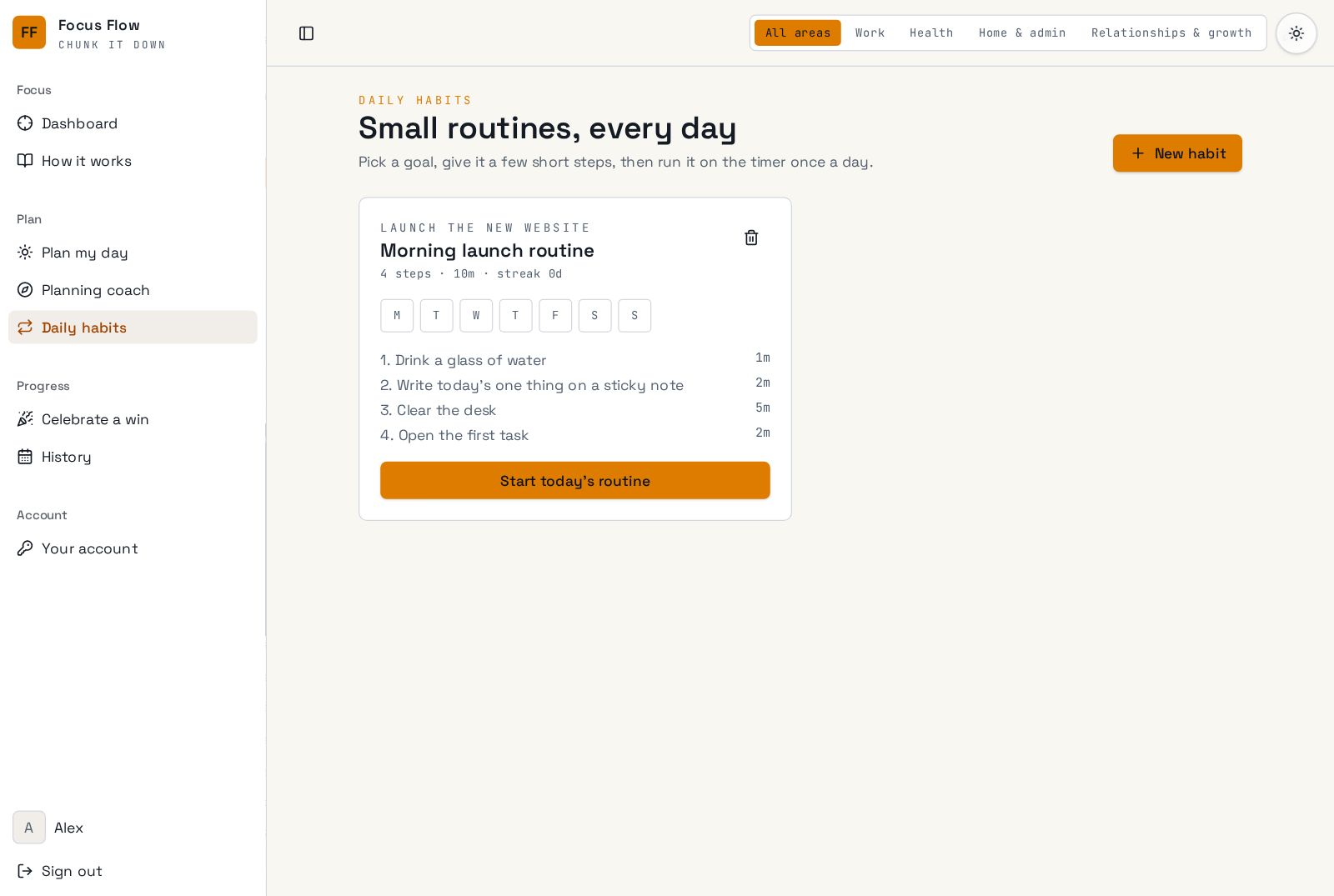
Build a morning launch or evening reset from small timed steps. Each finished routine counts toward your goals and its own streak.

Open Daily habits →
getflowfocus.com/habits
Daily habits with a step-by-step routine timer

Proof you did more than you think

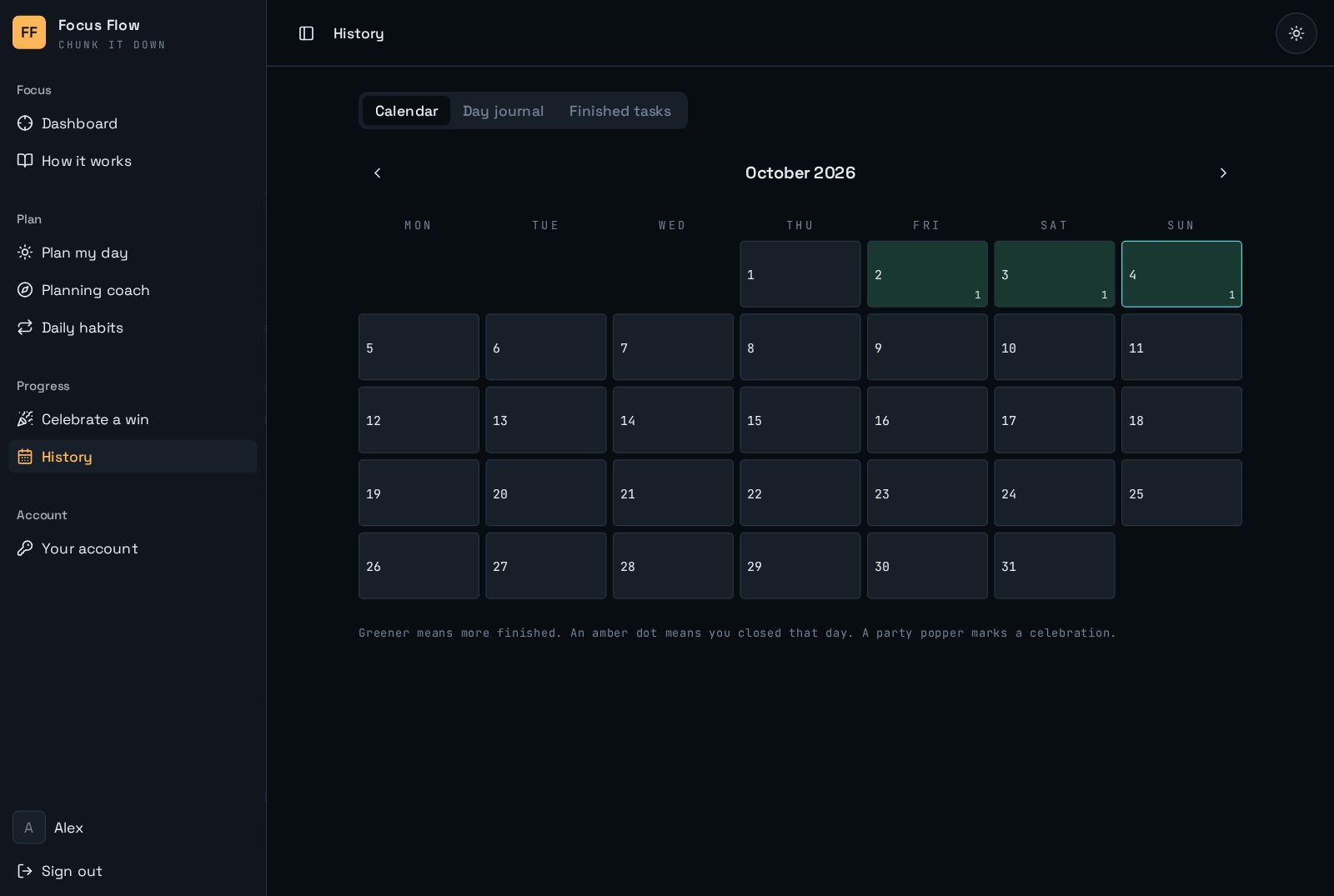
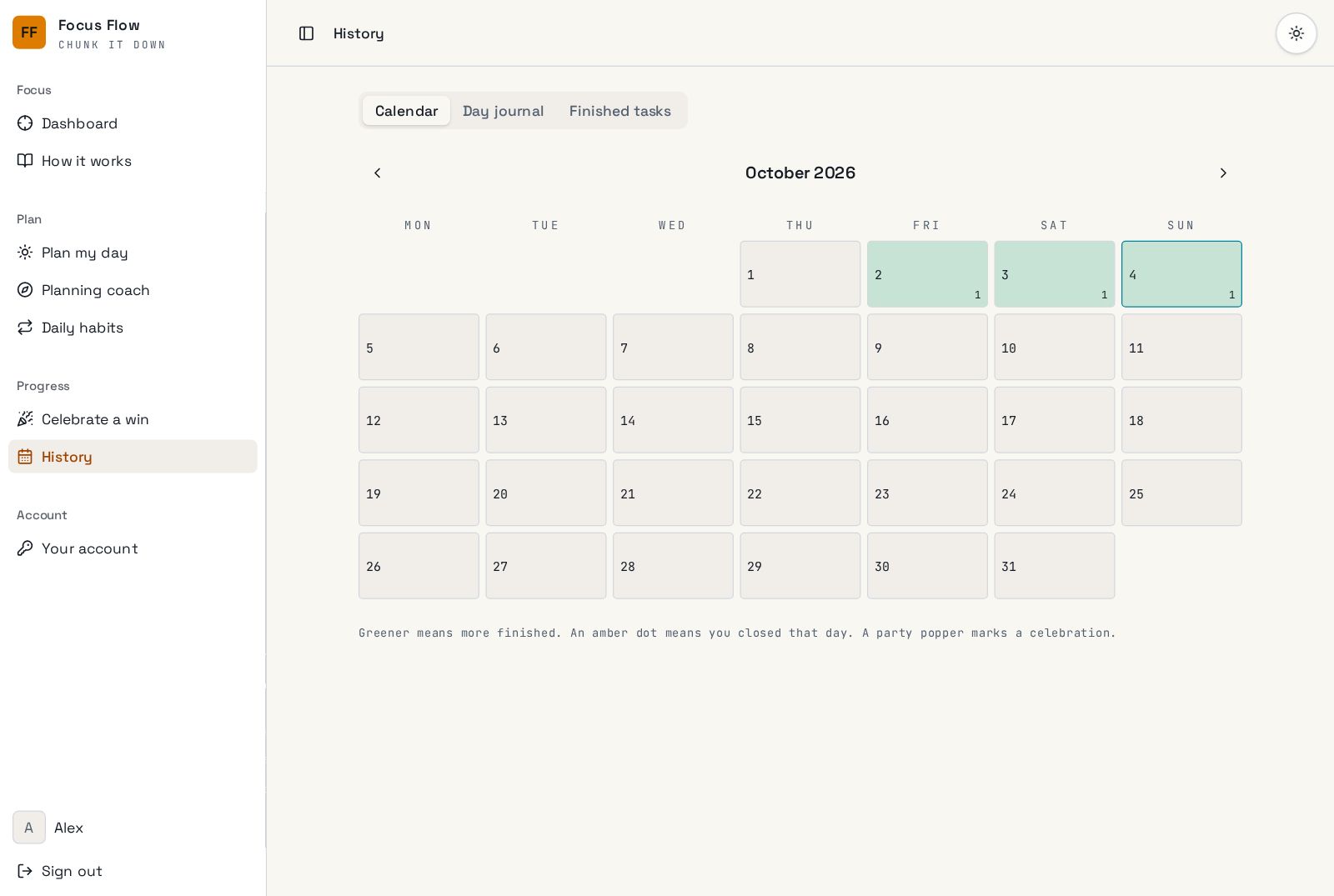
A calendar of every finished task, your journal notes and celebrations. It's useful on the days your brain says you got nothing done.

Open History →
getflowfocus.com/history
History calendar showing finished tasks by day
FAQ

Questions people ask.

Is it only for people with ADHD?
No. It's designed around ADD, but anyone who struggles to start, or loses track of time, will find it helps.
Is my data private?
Yes. Your tasks, moods and journal are saved to your own account and only you can see them.
How do I get access?
Mad Flow is invite only while we polish it. Ask an admin for an invite, then sign in with Google, Apple or email.
Does it work on my phone?
Yes. It works in any modern browser, on phones, tablets and computers, and your progress follows you across devices.

Your next step is smaller than you think.

Open Mad Flow, type one task, and do the first two-minute step.

Request an invite